New Release - A Link Aggregator built on 11ty
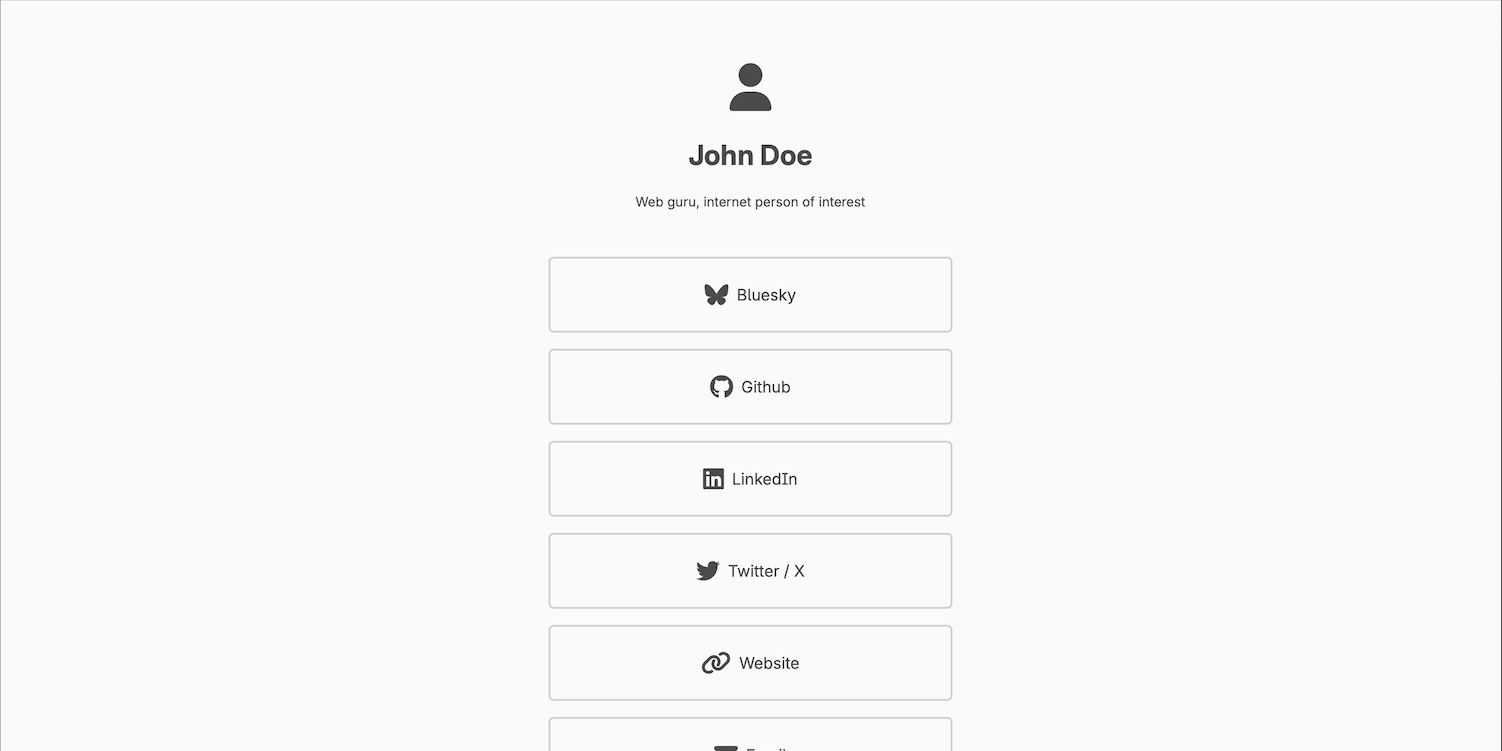
I wanted to share a little about another project I have worked on, which also uses 11ty. I was looking up someone's list of links, which they had built with something along the lines of LinkTree. As I did that, I thought of two things. First, I wanted to set something like that up for my links, though I didn't particularly like the look of the particular page I was viewing. And second, I wanted to figure out how to do it myself for free, while also not piggybacking off a proprietary platform.
Moving My Blog to 11ty - Part 3 (Building Layouts)
In part 2 we set up the folder structure in my blog project and configured the `eleventy.config.js` file so that we can pass CSS and other files through the parser for use by the templates. Now we get to move on to the concept of layouts.
Moving My Blog to 11ty - Part 2 (Structure and basic config)
In part 1 of this series, we got to the point of having basically an empty shell of a website. It's accessible via a URL on the public internet, and we can also run it locally on our machine, but there's not really anything in it. So the first thing we want to do is set up the file structure that will power the site.
Moving My Blog to 11ty - Part 1 (Initial deployment)
This entry will cover creating the 11ty site and connecting it to Cloudflare Pages so that it's viewable publicly. This will consist of creating the GitHub repository, syncing that locally, installing 11ty, then creating the Cloudflare Pages config.
Moving My Blog to 11ty - Prologue
Today I am starting a new series on moving my blog to 11ty. I stumbled across 11ty a couple of months ago and was intrigued. And there were a couple of things I wasn't quite happy with regarding the site configuration in GitHub Pages, so I wanted to rewrite it anyway.
What I Use - September 2024 Edition
I wanted to put together a post that outlines the things I use on an (almost) daily basis. This won't be a complete list, but it should be close, and will at least give me something to iterate on in the future.
Securing Mobile Devices in a Complicated Domestic Situation
I recently was approached by a friend who was trying to help someone in a complicated domestic situation, and my friend asked what advice I could give regarding securing their device and communications. While I am by no means an expert at the level to make any kind of guarantees around my recommendations, I did provide a short list of things that can help in a situation like this, and I wanted to turn those into a post so that others can benefit.
Mac App Spotlight - Paste
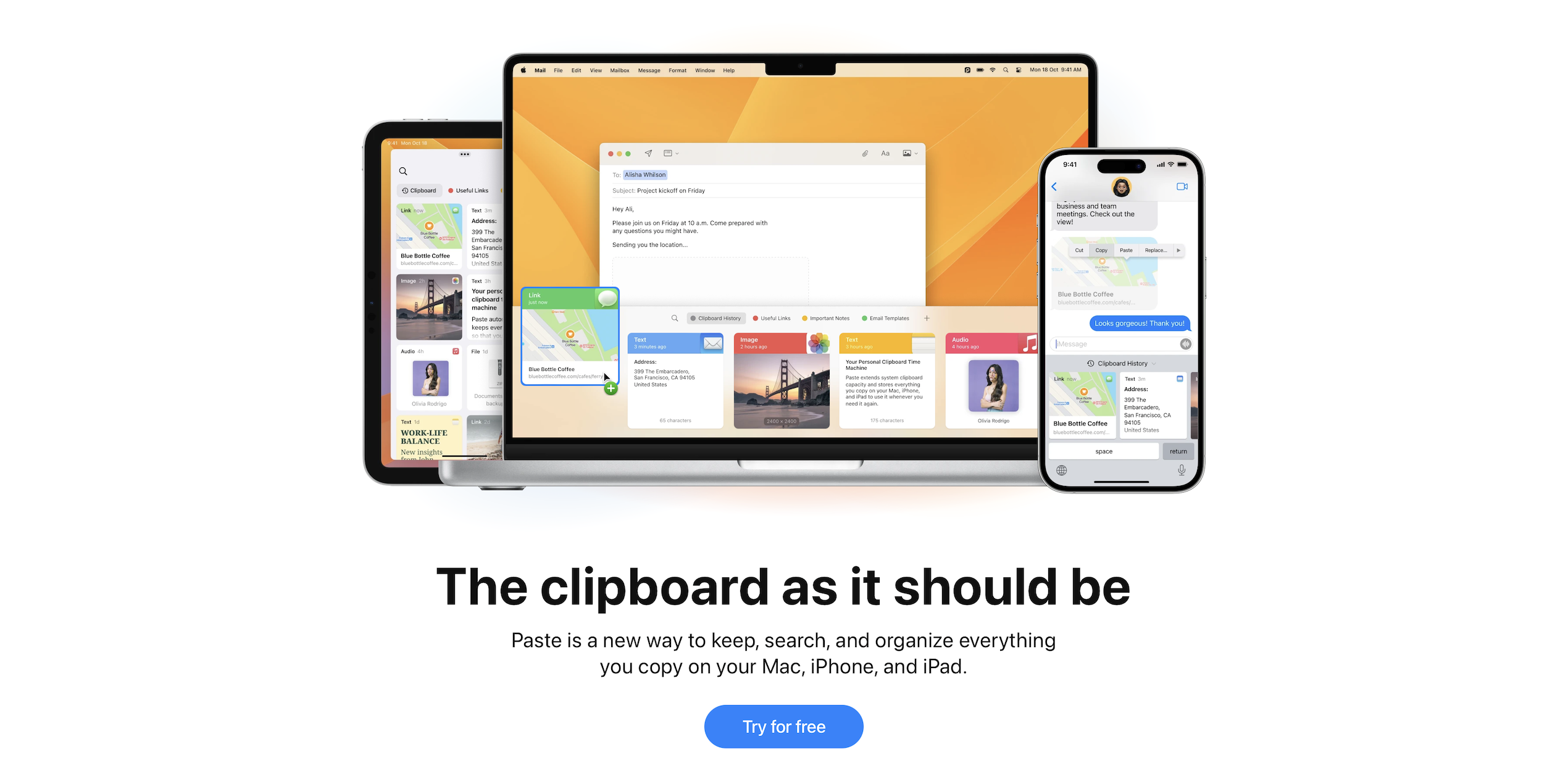
Today's app spotlight post tackles clipboard management on the Mac. In my role at Microsoft, I am constantly copying different pieces of information to my clipboard to then paste other places. These can be things like Azure subscription IDs, resource IDs, IP addresses, computer names, you name it. It starts to get confusing after a while, and God forbid that I copy something before I had pasted the item before it.
Why I ditched Proton for Fastmail
Countless words have been written about the importance of privacy in today's world. While many people might not realize privacy's importance, I do, and I have invested time and money in utilizing privacy-focused products. I don't want to rehash all the privacy arguments, we'll just take its importance as a given for the purpose of this article. Instead, what I'd like to do is relay my personal experience around Proton and why I decided to move away from it for my personal email, calendar, and storage needs.
Mac App Spotlight - Magnet
Ever had trouble managing your windows on MacOS? Check out this app called Magnet that adds some additional functionality.
Open Any File with Visual Studio Code on Mac
In my work, I often have to open text files that do not have a file extension. My preferred text editor is Visual Studio Code, but it doesn’t have an option to open extensionless files, which means it doesn’t automatically show up in the Open With menu.